
1
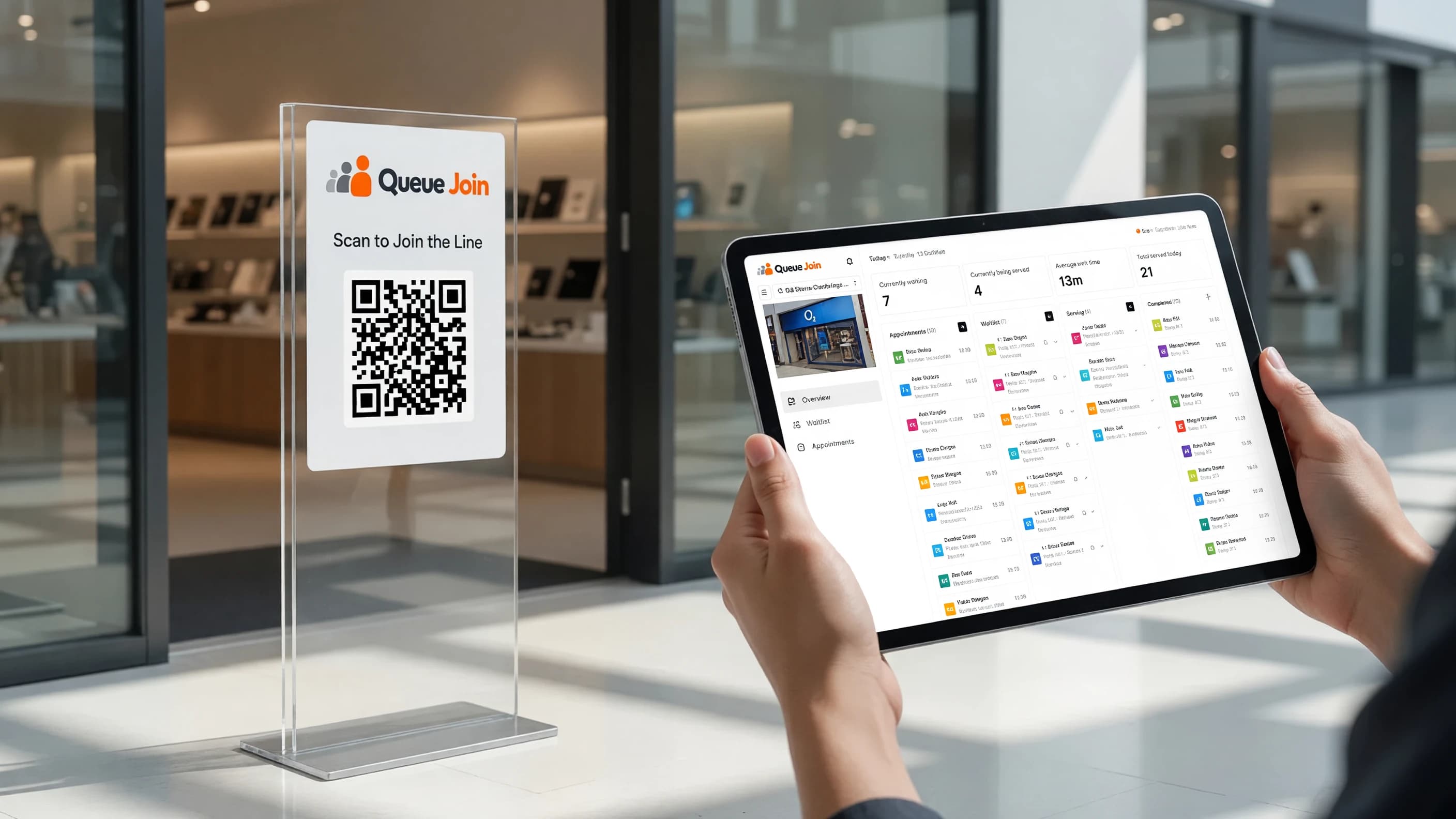
Scan the QR code
A visitor scans the printed QR code at your entrance or taps a shared link — no app download required.
How it works
Queue Join connects a QR code your customers scan to a live dashboard your team runs the shop from — no hardware, no app download, set up in an afternoon.
3
steps for a customer to go from scan to served
Scan, track, arrive — nothing else required.
0
app downloads needed for customers or staff
Everything runs in a mobile browser, on any device.
1
afternoon to set up locations, hours, and your first QR code
Most shops are live the same day they sign up.
No account to create and nothing to install — everything happens in whatever browser is already open on their phone.
A visitor scans the printed QR code at your entrance or taps a shared link — no app download required.
They see exactly where they are in line, or book a specific appointment time instead, and get a WhatsApp, SMS, or push notification as their turn approaches.
They come back at exactly the right moment, whether that’s a waitlist position or a booked slot.
Every action your team takes — a call, a serve, a booking — syncs instantly across every device on shift, with nothing to configure beyond the initial setup.
Add each branch with its own opening hours, IANA time zone, and the services you offer — done once, in minutes.
Generate a branded, print-ready QR code for each location or individual waitlist, and put it wherever customers arrive.
Add walk-ins, call the next customer, mark no-shows, and manage bookings — all from one real-time dashboard, on any device.
Data is stored in UTC and converted for display using each location’s own IANA time zone, so a customer or staff member never sees the wrong local time — even across a chain spanning several regions.
Position updates, staff actions, and dashboard counts travel over a real-time connection, so a customer’s phone and a staff member’s tablet stay in sync without either one polling for changes.
Each alert tries WhatsApp first, then falls back to SMS automatically, with optional browser push and an automated voice call for the moment that matters most.