
Bookings
Let customers book a slot instead of walking in
Alongside the live waitlist, customers can book a specific date and time for a service. Slots are generated automatically from your opening hours, each service’s duration, and any buffer time you set — so double-bookings simply can’t happen.
0
double-bookings — every slot is generated, never manually tracked
Overlaps simply aren’t possible to create.
24/7
booking availability without a single phone call
Customers book whenever it suits them, not just during opening hours.
1
calendar invite sent automatically the moment a booking is confirmed
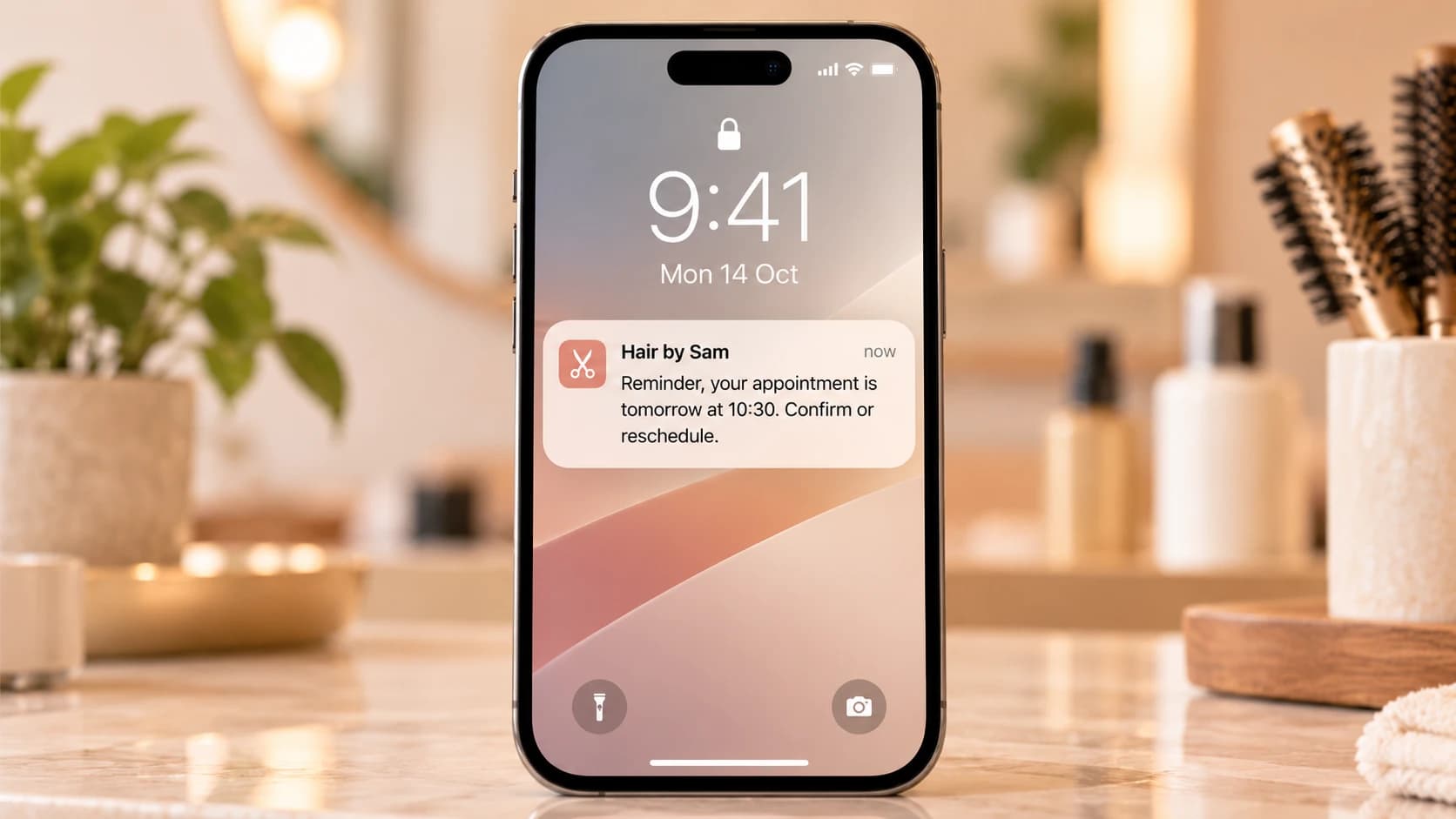
With a reminder as the appointment approaches.
0
double-bookings — slots are generated, not manually tracked
How it works
Define your services
Set a name, duration, and optional price for each bookable service — a haircut, a consultation, a fitting — however your business breaks things down.
Slots build themselves
Available times are calculated from opening hours, service duration, existing bookings, and buffer gaps, so nothing ever double-books.
Customers book in their local time
Times are always shown in the location’s time zone, clearly labelled, regardless of the visitor’s own device settings — critical if you run branches in more than one region.
Confirmed instantly
A booking confirmation with an add-to-calendar link goes out immediately, followed by a reminder as the appointment approaches.
Why it matters
Fill quiet periods
Bookings smooth out demand across the day instead of everyone arriving in the same rush hour.
No scheduling conflicts
Automatic slot generation means staff never have to manually check for overlaps.
Works alongside walk-ins
Run waitlist and appointments side by side — a booked customer and a walk-in both show up on the same staff dashboard.
Slots that build themselves
Set opening hours, a duration for each service, and any buffer time you need between appointments — available slots are calculated automatically and kept in sync as bookings come in, so there’s never a slot on offer that’s actually already taken.
- Slots generated from opening hours, service duration, and buffers
- Existing bookings and walk-ins both count against availability
- Recalculated instantly as bookings are made or cancelled
Always the right time zone
Every slot is shown in the location’s own IANA time zone, clearly labelled — never the visitor’s device time zone. For chains spanning more than one region, that’s the difference between a customer showing up on time and a confused no-show.
- Times always shown in the location’s time zone, not the visitor’s
- Confirmation and reminder messages state the time zone explicitly
- Consistent behaviour across every branch in a chain
What our customers say
“Bookings used to mean someone answering the phone between customers. Now half our slots fill up after we’ve closed for the night.”
Jamie Cole
Owner, Barbershop
“Running three time zones used to be a spreadsheet nightmare. Now nobody even thinks about it.”
Anika Desai
Operations director, National clinic group
“No-shows dropped the week we turned reminders on. People just needed the nudge.”
Ben Harrington
Practice manager, Dental surgery
Frequently asked questions
From the blog
All articles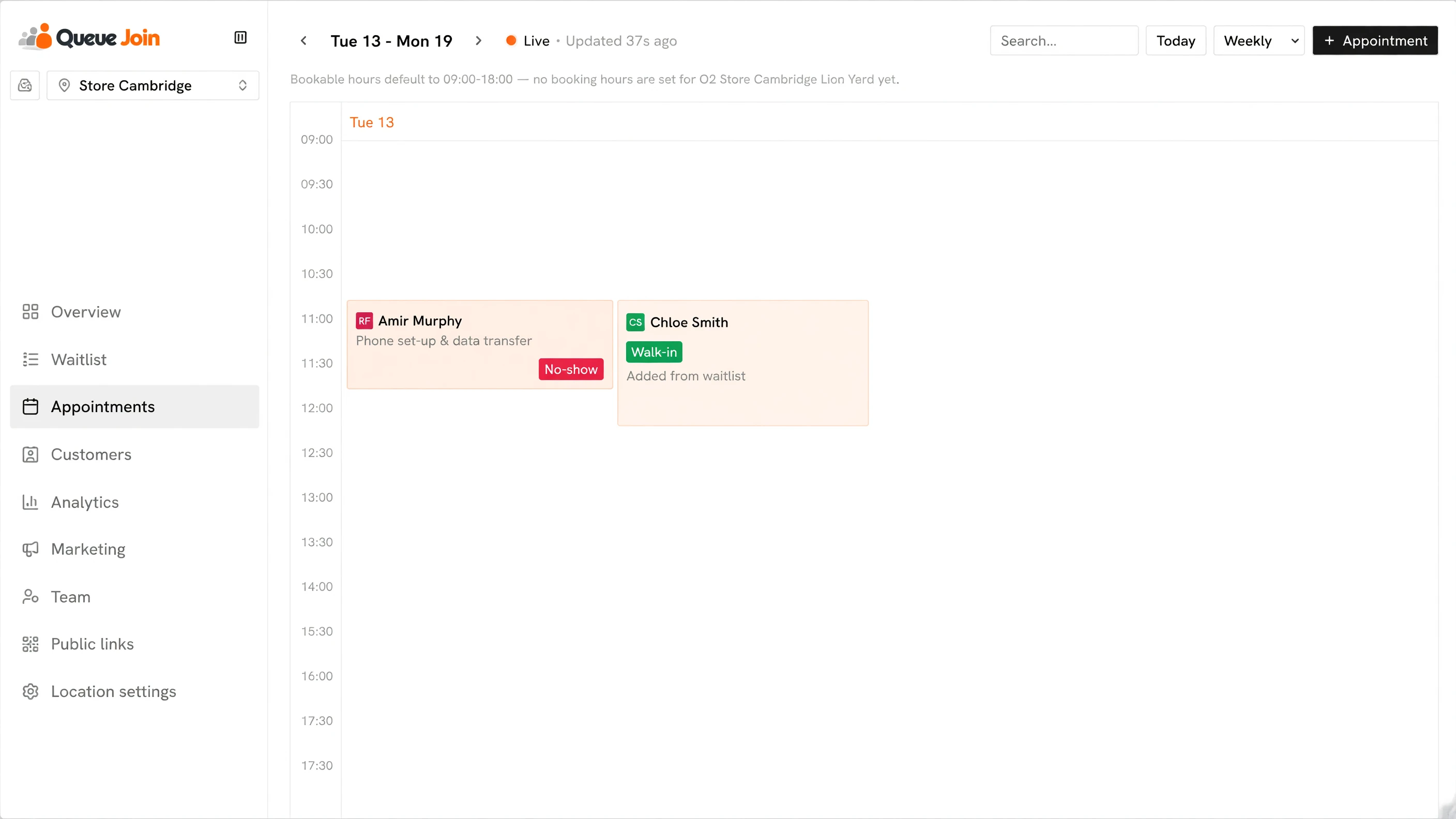
How to reduce no-shows: 12 ways that work (plus a policy template)
Twelve practical ways to cut missed appointments, a cost formula to see what no-shows take from you, and a no-show policy template in three strengths.
Appointment reminder text templates: 30+ examples to copy
Copy-and-paste appointment reminder texts for salons, clinics, vets, restaurants and garages, with the timing, length and consent rules that make them work.