Contents
- Do text reminders actually reduce no-shows?
- What should an appointment reminder include?
- When should you send appointment reminders?
- Appointment reminder templates you can copy
- Should reminders ask customers to reply?
- SMS or WhatsApp for reminders?
- Keeping reminders legal
- What automatic reminders look like
An appointment reminder text is a short message sent before a booking to tell the customer who it's with, when it is, and how to cancel or move it. The best ones fit in a single SMS, arrive about 24 hours ahead, and lead with the business name. Below are more than 30 templates you can copy, sorted by business type.
Reminders are one of the cheapest ways to cut missed appointments. If no-shows are the real problem you're trying to solve, read our guide on how to reduce no-shows alongside this one.
Do text reminders actually reduce no-shows?
Yes, and the evidence is better than most marketing claims. A Cochrane systematic review of randomised trials in healthcare found that text reminders increased attendance compared with no reminder at all. Attendance was 67.8% with no reminder and 78.6% with a text reminder, and texts worked about as well as phone calls while costing less per attended appointment [1]. The review rated the evidence low to moderate in quality, so treat the exact numbers as a guide, not a promise.
The same pattern turns up outside medicine for a simple reason: most no-shows are people who forgot, or who meant to cancel and never got round to it. A wider review of no-show research found that one of the strongest predictors of a missed appointment is a long lead time, the gap between booking and the appointment itself [6]. A reminder closes that gap. It brings the booking back to mind and gives the customer an easy moment to cancel, so you can offer the slot to someone else.
What should an appointment reminder include?
Five things, in roughly this order:
- Who it's from. Your business name first. A text from an unsaved number that starts "Hi, just a reminder" looks like spam. One that starts "Hair by Sam:" doesn't.
- What and when. The day, the date and the time. Add the service or the staff member if you have several.
- Where. Only if it isn't obvious: a second branch, a new address, which entrance to use.
- How to change it. A link to cancel or reschedule. This is the line that turns a would-be no-show into a freed-up slot.
- How to stop. Opt-out wording, such as "Reply STOP to opt out", at least in the first message you send someone.
Here is the anatomy in one message:
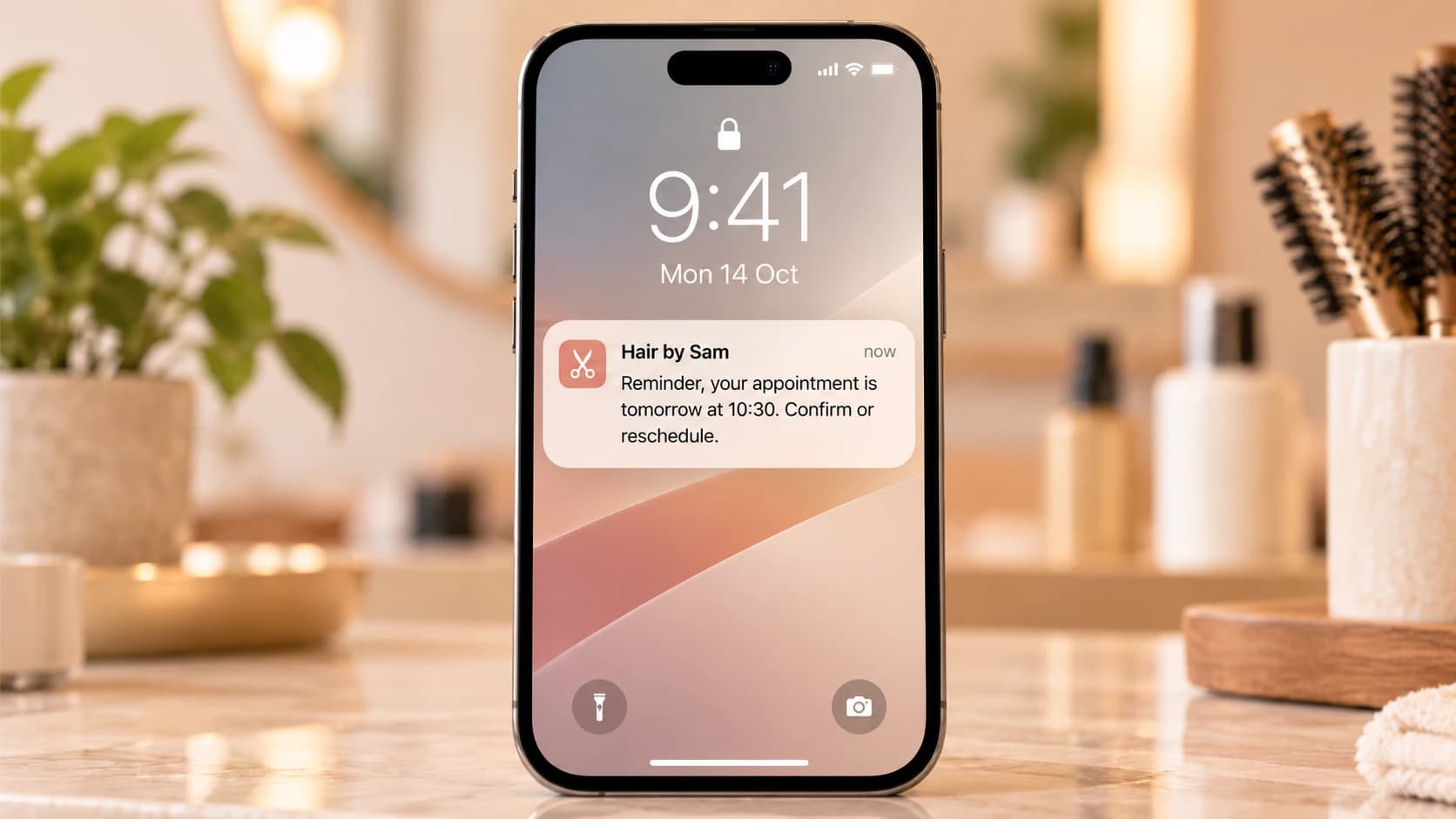
Hair by Sam: Reminder, your cut with Jo is tomorrow (Tue 14 Oct) at 10:30. Need to change it? sam.example/b/x7k2 Reply STOP to opt out.
135 characters · 1 text message
"Hair by Sam:" is the sender. "Your cut with Jo is tomorrow (Tue 14 Oct) at 10:30" is the what and when: "tomorrow" is friendly, and the date removes any doubt. The link is the change option, and the last sentence is the opt-out. That message is 135 characters, so it is one segment.
Why length matters
SMS is billed by the segment. A message in the standard GSM-7 character set fits 160 characters in one segment, or 153 per segment once it splits. A single emoji or other Unicode character switches the whole message to UCS-2, where the limit drops to 70, or 67 per segment [2]. Curly apostrophes, curly quotes and long dashes, which word processors insert automatically, often cause the same switch.
So write reminders in plain text, with straight apostrophes and no emoji. Every template below follows that rule, and the counter on each one shows its length and segments.
When should you send appointment reminders?
The default that works for most businesses is one reminder 24 hours before. It's close enough that people remember, and early enough that if they cancel, you can still fill the gap. Add a second reminder when the booking was made far in advance, or when a missed slot is expensive.
| Business type | First reminder | Second reminder | Notes |
|---|---|---|---|
| Hair salon or barber | 24 hours before | 2 hours before, for long colour or treatment slots | Short cuts rarely need two |
| GP, dental or physio clinic | 48 hours before | Morning of the appointment | Give enough notice for the slot to be reused |
| Vet | 24 to 48 hours before | Optional 2 hours before | Mention fasting or paperwork if needed |
| Restaurant reservation | Morning of the booking | 1 to 2 hours before, for large parties | Ask for confirmation for big tables |
| Garage, MOT or service | 24 hours before | None | Include drop-off time and what to bring |
| Beauty and spa | 48 hours before | 24 hours before | Long, high-value bookings justify two |
| Walk-in waitlist | When they join | When they're next | Time-sensitive, no advance reminder |
Avoid sending at night. A reminder that buzzes at 11pm for a 9am appointment annoys more than it helps. If your system sends reminders a fixed number of hours ahead, an early-morning booking can produce a late-evening reminder, so check what time your messages actually land.
Appointment reminder templates you can copy
Replace the words in curly braces with your own details. Keep your business name at the front.
General templates
{business}: You're booked for {day} {date} at {time}. Manage or cancel: {link} Reply STOP to opt out.
101 characters · 1 text message
{business}: Your appointment is on {day} at {time}. Please confirm you're still coming, or cancel if not: {link}
112 characters · 1 text message
{business}: Reminder, your appointment is tomorrow at {time}. Need to change it? {link}
87 characters · 1 text message
{business}: See you at {time} today. Running late or can't make it? Let us know: {link}
87 characters · 1 text message
{business}: Your appointment has moved to {day} {date} at {time}. Details or changes: {link}
92 characters · 1 text message
{business}: Your appointment on {date} at {time} has been cancelled. To book again: {link}
90 characters · 1 text message
{business}: Sorry, we're running about {minutes} minutes behind today. Your {time} appointment is still on.
107 characters · 1 text message
{business}: We missed you today at {time}. If something came up, you can rebook here: {link}
92 characters · 1 text message
{business}: Thanks for visiting today, {name}. Could you tell us how it went? It takes a minute: {link}
103 characters · 1 text message
Salon and barber templates
{business}: Hi {name}, your {service} with {stylist} is tomorrow at {time}. Need to move it? {link}
99 characters · 1 text message
{business}: Your colour appointment is on {day} at {time}. Please arrive with dry, unstyled hair. Change it: {link}
115 characters · 1 text message
{business}: Your cut is at {time} today. Can't make it? Free the chair for someone else: {link}
95 characters · 1 text message
{business}: Reminder to pop in for your patch test before {date}. We need it 48 hours before your colour. Book: {link}
118 characters · 1 text message
Clinic and dental templates
Keep clinic reminders vague about the reason for the visit. A text can be read by anyone who picks up the phone, so never include a diagnosis, a treatment name or a test result. "Your appointment" is enough.
{business}: You have an appointment on {day} {date} at {time}. To cancel or rearrange: {link}
93 characters · 1 text message
{business}: Reminder of your dental appointment tomorrow at {time}. Please arrive 5 minutes early. Changes: {link}
114 characters · 1 text message
{business}: Your appointment is today at {time}. If you can no longer attend, please let us know: {link}
104 characters · 1 text message
{business}: Before your visit on {date}, please complete your forms here: {link} It takes about 5 minutes.
106 characters · 1 text message
Vet templates
{business}: {pet}'s appointment is tomorrow at {time}. Need to change it? {link}
80 characters · 1 text message
{business}: Reminder that {pet} should have no food after midnight before tomorrow's {time} appointment. Water is fine.
119 characters · 1 text message
{business}: {pet} is due a booster vaccination this month. Book a time that suits you: {link}
93 characters · 1 text message
The vaccination template is a borderline case: it's a reminder of something due, not of an appointment already booked. Most practices treat it as a service message, but keep it free of offers so it stays that way.
Restaurant reservation templates
{business}: Table for {party} booked on {day} at {time}. To change or cancel: {link}
84 characters · 1 text message
{business}: Looking forward to seeing you tonight at {time}, table for {party}. Plans changed? {link}
101 characters · 1 text message
{business}: Your table for {party} is on {day} at {time}. Please confirm or update numbers by noon: {link}
106 characters · 1 text message
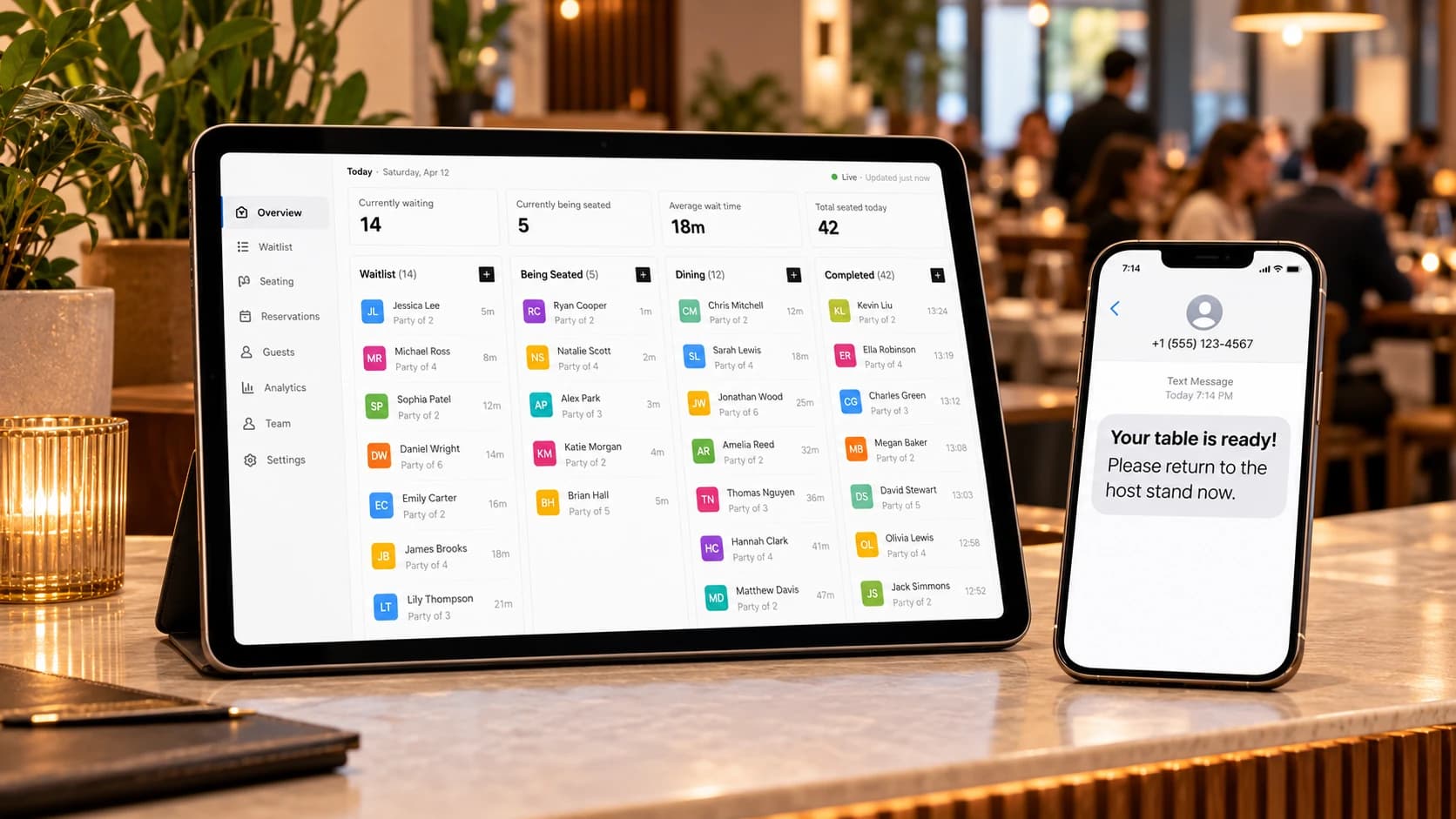
{business}: Your table is ready. Please come to the host stand within 10 minutes.
81 characters · 1 text message
Garage and MOT templates
{business}: Your car ({reg}) is booked in tomorrow at {time}. Please bring the locking wheel nut key. Changes: {link}
117 characters · 1 text message
{business}: The MOT on {reg} is due by {date}. Book a slot that suits you: {link}
81 characters · 1 text message
{business}: Your car ({reg}) is ready to collect. We're open until {closing} today.
83 characters · 1 text message
Waitlist templates
A waitlist is different: there's no advance reminder, because the moment that matters is "come back now". These messages need to be short and urgent.
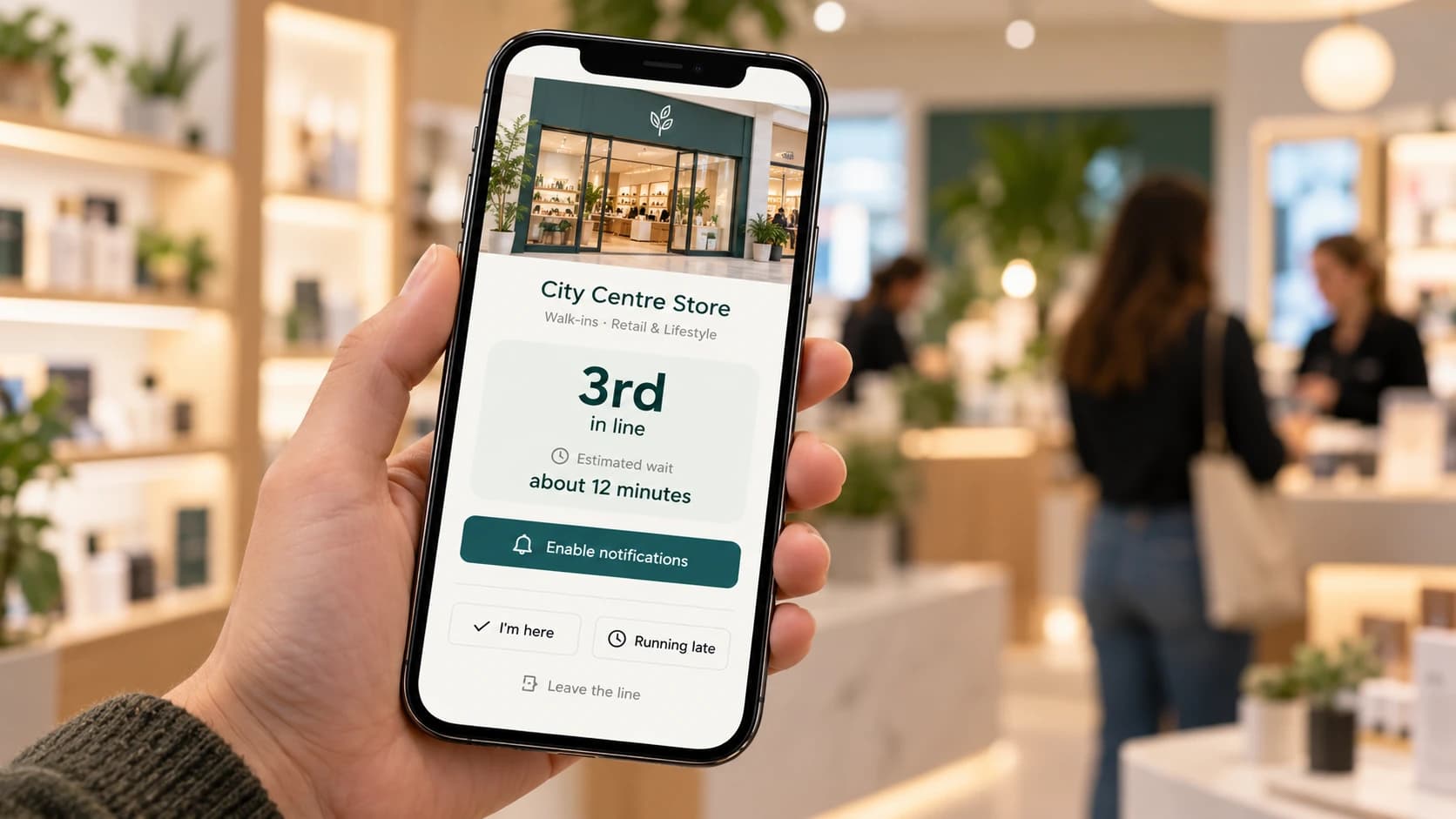
{business}: You're number {position} on the waitlist. Track your place: {link}
78 characters · 1 text message
{business}: You're next. Please start heading back to us now.
61 characters · 1 text message
{business}: It's your turn! Please come to the counter now.
59 characters · 1 text message
{business}: Sorry, we're running about {minutes} minutes behind. Your place is safe: {link}
91 characters · 1 text message
That's 31 templates. Swap the details, keep them in plain text, and test each one by sending it to your own phone before it goes to a customer.
Should reminders ask customers to reply?
"Reply Y to confirm" is common, but it only works if something reads the replies. Many reminder systems send from shared numbers where replies go nowhere, and a customer who replies "running late" to an unread inbox is worse off than one who was never asked.
Be especially careful with reply words. In the US, the TCPA rules list "stop", "quit", "end", "revoke", "opt out", "cancel" and "unsubscribe" as words that revoke consent when sent in reply to a text [5]. Many messaging platforms treat them the same way everywhere. So "Reply CANCEL to cancel your appointment" can opt the customer out of every future message, including the reminder for their next booking. Use a link for confirming and cancelling instead.
SMS or WhatsApp for reminders?
Both work. The right choice depends on where your customers are.
- SMS reaches every mobile phone, needs nothing installed, and is the safest default in the US.
- WhatsApp was used by 90% of UK online adults in 2025, according to Ofcom [7], against 32% of US adults in Pew's 2025 survey [8]. It shows when a message was delivered and read, and it can be cheaper than SMS. But business-initiated WhatsApp messages have to use templates approved in advance by Meta, so you can't type a fresh message each time.
Many businesses now send WhatsApp first and fall back to SMS when WhatsApp doesn't arrive.
Keeping reminders legal
This is a plain-English summary, not legal advice.
Reminders are service messages, not marketing. US carriers' industry guidelines class appointment reminders as "informational" messages: the customer gave their number and asked to be contacted about something specific [3]. In the UK, the ICO lists confirming or reminding people about appointments as a service message that falls outside the direct marketing rules [4]. Either way, the customer booking the appointment is what makes the reminder acceptable.
Don't slip an offer in. The ICO is clear that a service message with any direct marketing element counts as direct marketing, even if that wasn't its main purpose [4]. "Your appointment is tomorrow. Book a second service for 20% off!" is now a marketing text, and needs marketing consent.
Include opt-out wording. Put "Reply STOP to opt out" in at least the first message to a new number, and honour every opt-out straight away.
Mind the clock. US federal rules ban telephone solicitations before 8am or after 9pm in the recipient's time zone [5]. That rule is about sales calls and texts, but it's a sensible limit for any non-urgent message.
You can also see how one platform presents its opt-in and opt-out wording on the Queue Join SMS opt-in page, which is the evidence page US carriers review.
What automatic reminders look like
Copying templates into your phone works for a handful of bookings a week. Past that, you want the reminder sent automatically from your booking system, so nobody has to remember to remind people.
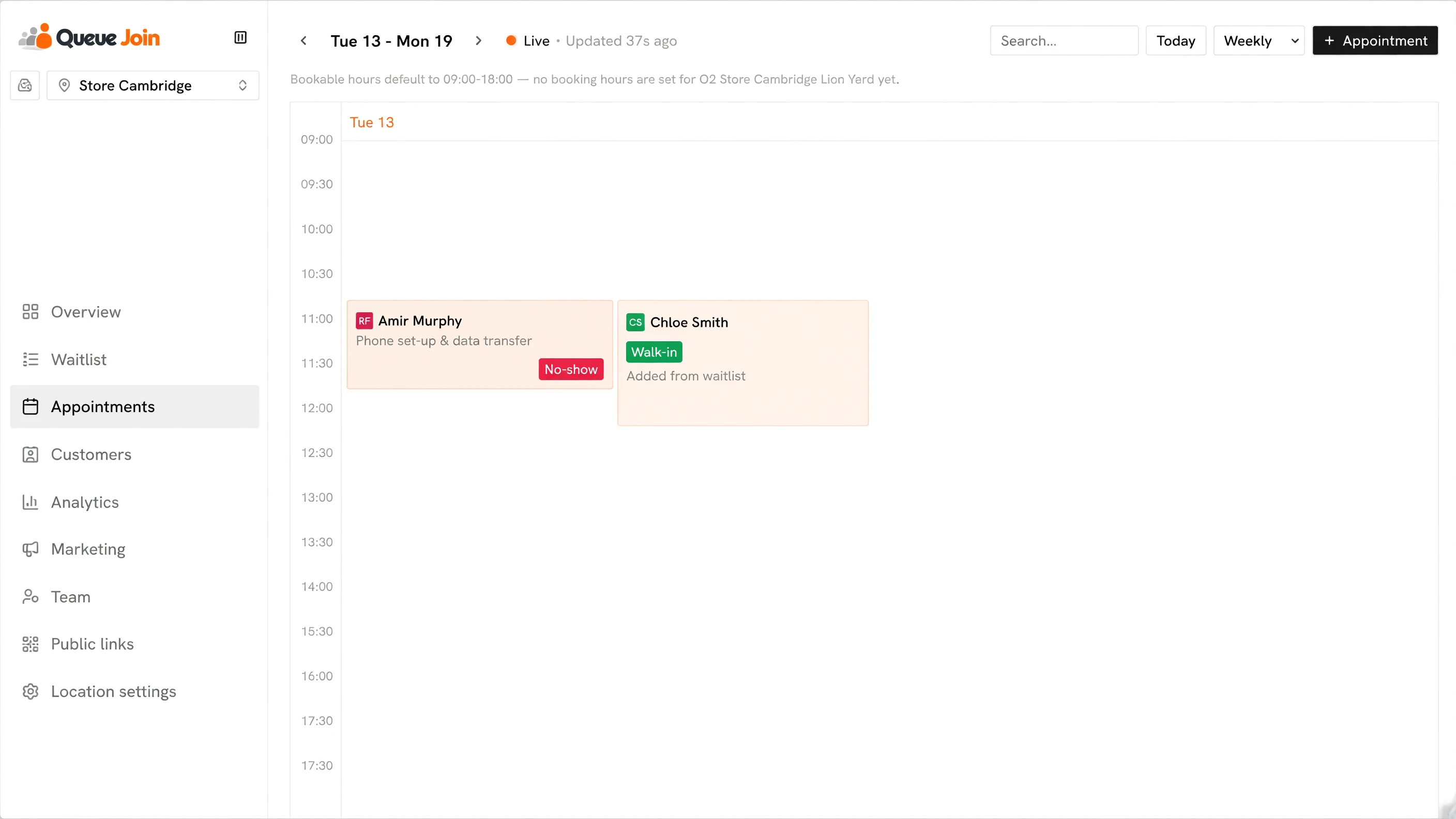
In Queue Join, the booking reminder is on by default for every location and goes out a day before the appointment. You can change that lead time to anything from one hour to two days, or switch it off, in the booking settings. The wording is written and maintained by the platform rather than by each shop, so it reads the same everywhere and stays in step with what WhatsApp has approved. On WhatsApp, the reminder reads, word for word: Hi {name}, a reminder that your booking at {business} is on {date} at {hour}. Manage it here: {link} See you soon!
That "manage it here" link is the important part. It opens the customer's booking page, where you can let them cancel, reschedule or confirm the booking themselves. A customer who can move their appointment in two taps is far less likely to become a no-show.
A few other things happen without anyone pressing a button:
- WhatsApp goes first, text as a backup. The reminder is tried on WhatsApp, and a text follows only if WhatsApp didn't arrive, so most customers get one message, not two. US and Canadian numbers get a text straight away.
- Unconfirmed bookings can be chased. An automation rule can send a reminder to any booking still unconfirmed a set time before it starts.
- Late arrivals get a nudge. Another rule can send a "running late" message when someone hasn't arrived by their booking time, with a link to say they're on their way.
The full list of automatic messages, and which channels send each one, is in the messaging docs. Whatever system you use, the principle is the same: send it automatically, keep it short, and always give people an easy way to cancel.
If you run a salon, see how this works for barbershops and hair salons. For practices, there's a page for healthcare clinics.
Frequently asked questions
Sources
- Cochrane — Mobile phone messaging reminders for attendance at healthcare appointments (Gurol-Urganci et al., 2013)
- Twilio — What is the SMS character limit? (checked September 2026)
- CTIA — Messaging Principles and Best Practices (May 2023)
- ICO — Direct marketing guidance: identify direct marketing
- eCFR — 47 CFR 64.1200, delivery restrictions (TCPA rules)
- Dantas et al. — No-shows in appointment scheduling: a systematic literature review, Health Policy (2018)
- Ofcom — Online Nation 2025 report
- Pew Research Center — Americans' social media use 2025

About the author
Chris Hunter
CEO and founder of Queue Join, writing about running waitlists, bookings and customer messages for businesses that serve people in person.
More about Queue Join